Login/Sign Up Sign Out
{{ messageCategory.totalUnreadNum }}
APSGO LOGO
{{ item.sku_info.spec_desc }}
{{ item.count }}x
Combination {{ combo.product.name }}
{{ combo.sku_info.spec_desc }}
x1
Total Price:
View Cart
No APPS available
{{ carts.count }}件
Cart
Home Overview FileSeek file content quick search tool software
FileSeek file content quick search tool software
-57% OFF!
FileSeek file content quick search tool software截图 FileSeek file content quick search tool software截图 FileSeek file content quick search tool software截图 FileSeek file content quick search tool software截图 FileSeek file content quick search tool software截图 FileSeek file content quick search tool software截图 FileSeek file content quick search tool software截图 FileSeek file content quick search tool software截图 FileSeek file content quick search tool software截图 FileSeek file content quick search tool software截图
Download
FileSeek file content quick search tool software Canada
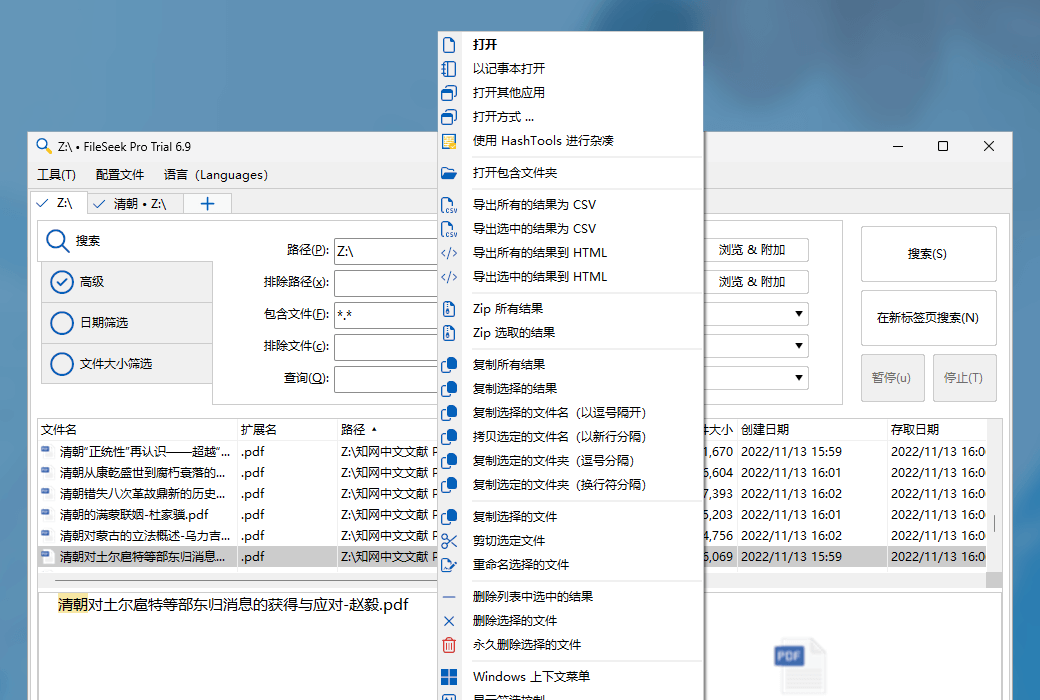
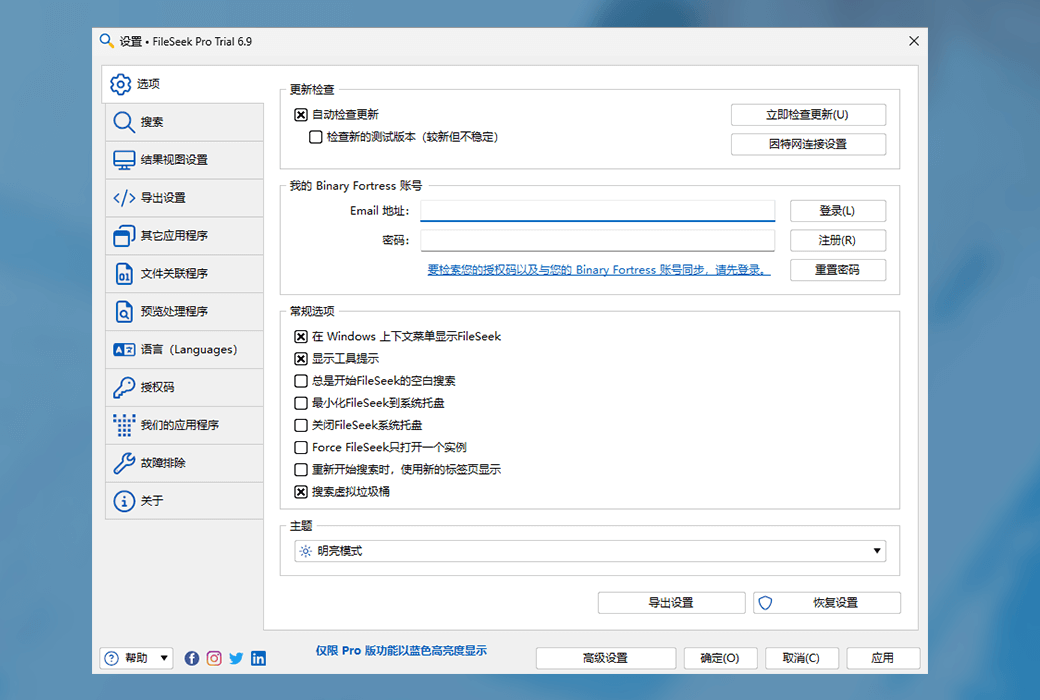
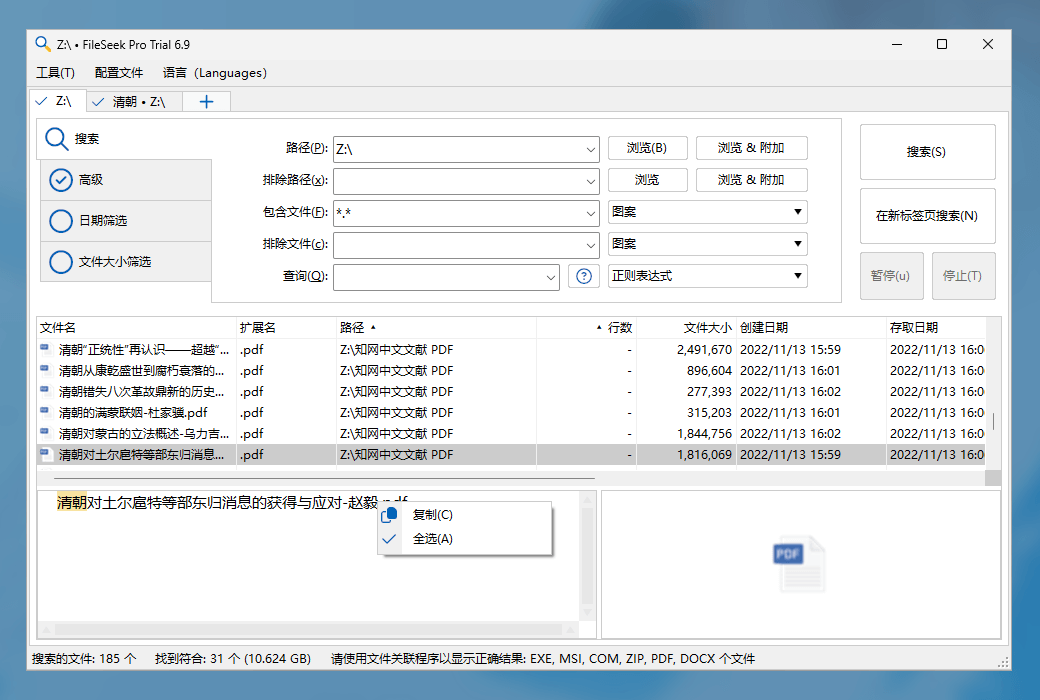
FileSeek is an easy-to-use file search tool, while also offering a wealth of advanced features for power users! You can search for files using simple query statements or regular expressions, and even synchronize your search settings across different computers.
Edition:
Enterprise Site Pro Personal Pro Standard
* Purchase this specification to receive the following gifts : ( Buy 1 or more items and the offer is valid until stock lasts )
x {{ item.count }}
{{ info.promotion.title }}
Note: In seckill, once sold out, the original price will be restored!
Hurry! Limited-time offer ends soon!
Currently available last {{ sku.promotion_count }} items
{{ info.advancePromotion.title }}
Preview of seckill, event price: {{ info.advancePromotion.skus_infos[sku.sku].promotion_price }} CNY
The inventory available for seckill is {{ info.advancePromotion.skus_infos[sku.sku].promotion_count }} items
Retail Price
Specifications
Not Selected
Group Buying
There is currently no Group Buying available, please open a group
{{ item.spec_desc }}
{{ item.user.nickname }} In {{ item.created_at }} Start Still need {{ item.left_count }}x Pending Group Buying, some users have not paid
Join

Activity Rules

1、Activity time:{{ info.groupon.start_at }} ~ {{ info.groupon.end_at }}。

1、Activity time:cease when sold out。

2、Validity period of the Group Buying:{{ info.groupon.expire_days * 24 }} hours。

3、Number of Group Buying:{{ info.groupon.need_count }}x。

Please Pay Attention

1、Teamwork process: Join/initiate a Group Buying and make a successful payment - Within the validity period, the number of team members meets the activity requirements - Group Buying succeeded!

2、If the number of participants cannot be met within the valid period, the group will fail, and the paid amount will be refunded in the original way.

3、The number of people required and the time of the event may vary among different products. Please pay attention to the rules of the event.

{{ item }} ({{ app.qa.questionsData.total }})

FileSeek is an easy-to-use file search tool that also offers a wealth of advanced features for power users! You can search for files using simple query statements or regular expressions, and even synchronize your search settings across different computers.


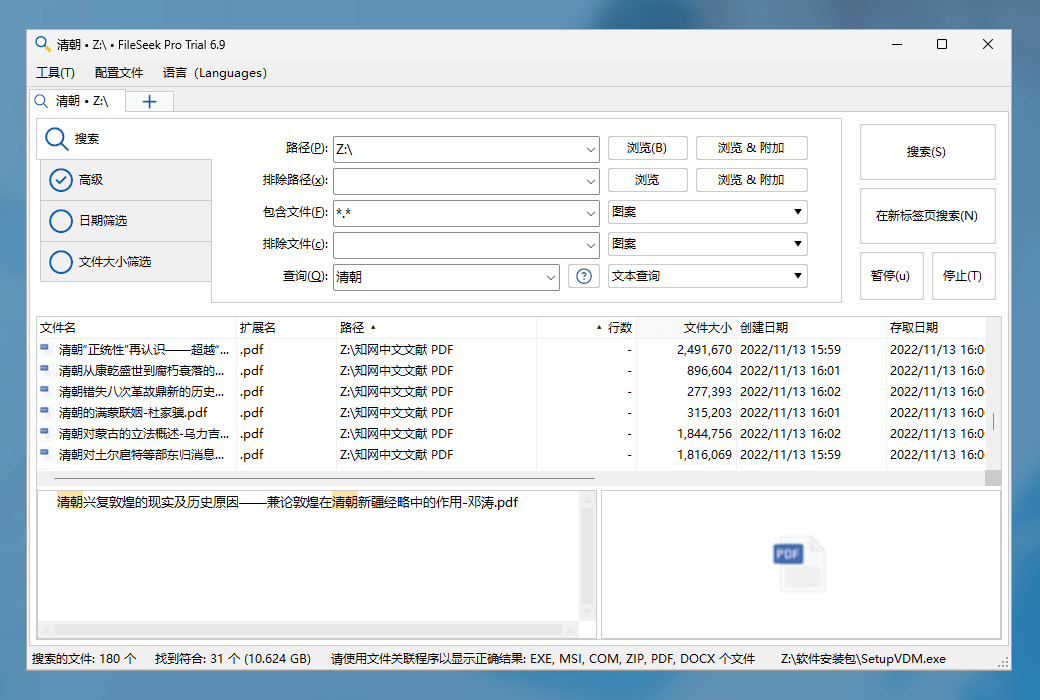
  1. Quick Search

FileSeek employs multi-threading technology to enhance search speed, surpassing any Windows search. Without background search indexing, FileSeek's shutdown will never affect your computer's performance.


  1. Search Profiles

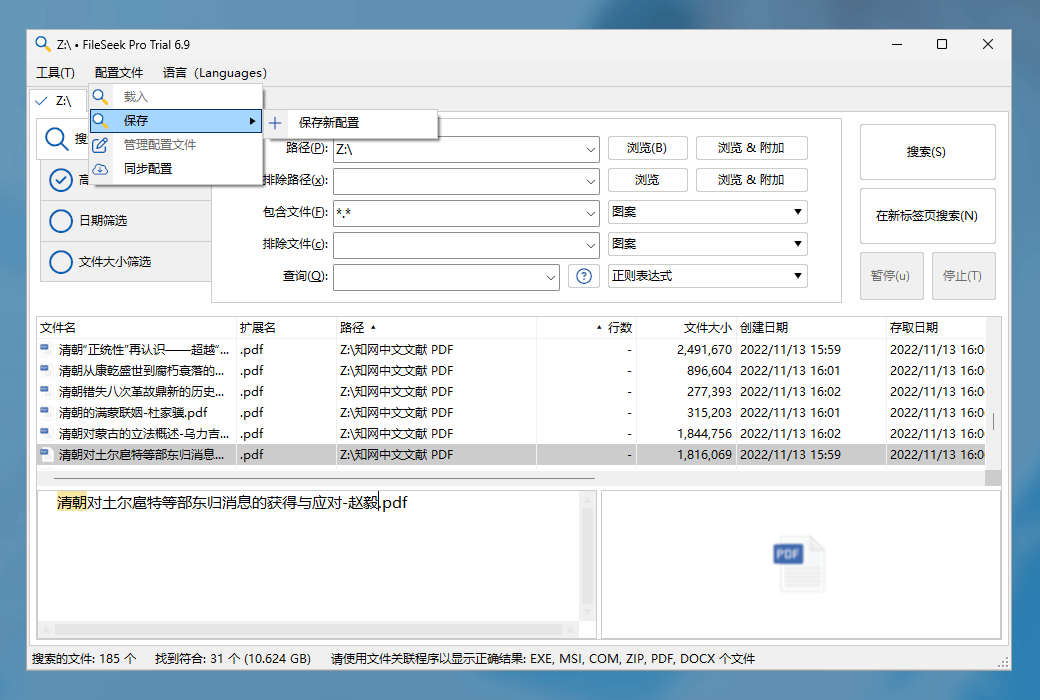
Search Profiles streamlines your workload by saving search criteria as search profiles. Save, load, or modify your most frequently used searches to make your life easier.


  1. Tabbed Interface

The tabbed interface complements FileSeek's tabbed search interface, eliminating the need to wait for a search to complete before starting a new one. You can initiate a search in another tab without opening a separate window, keeping your taskbar tidy.


  1. Advanced Queries

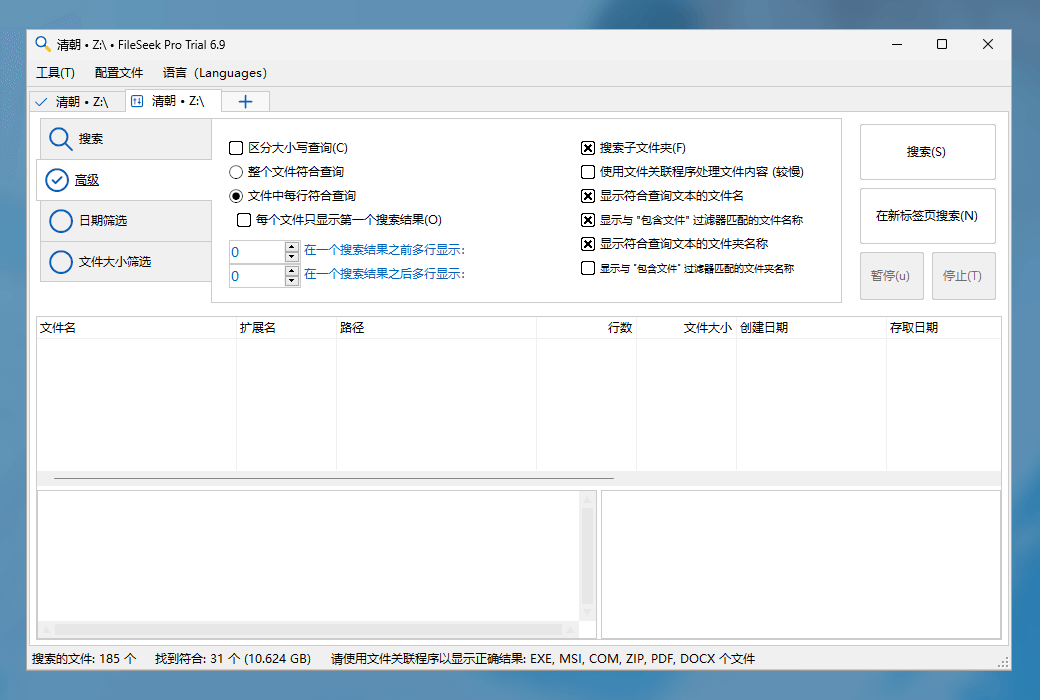
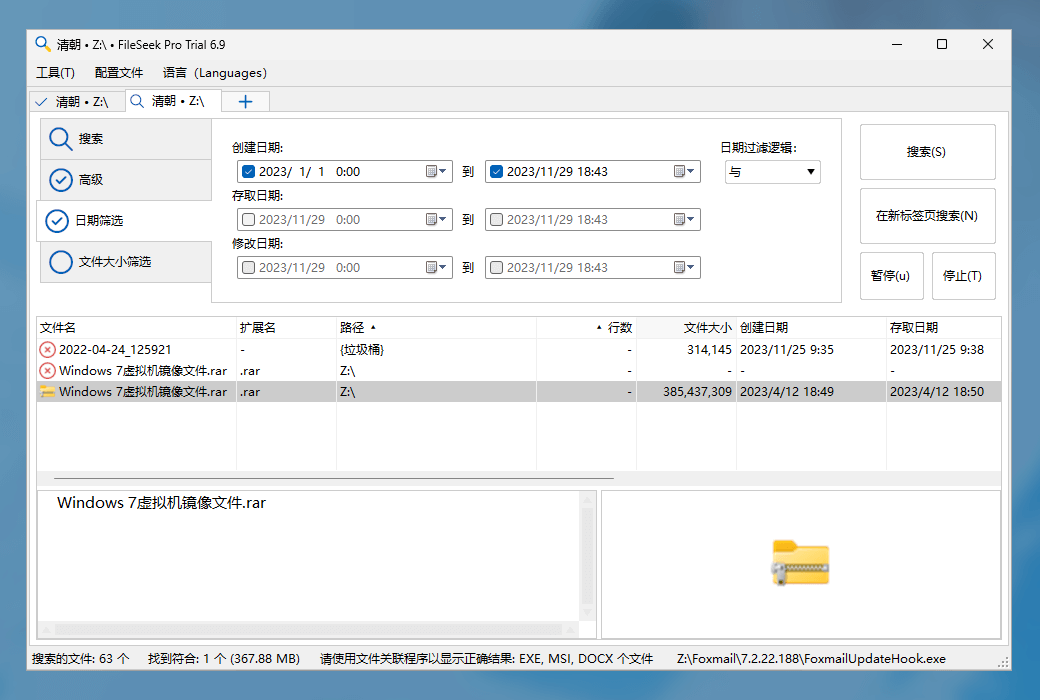
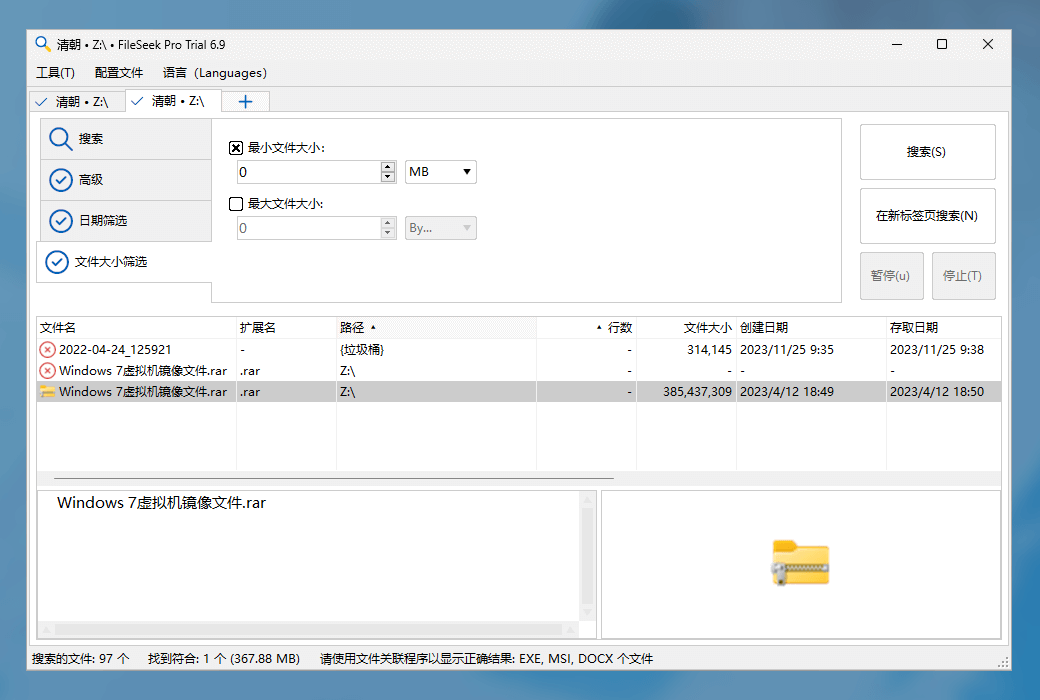
Advanced Queries utilize FileSeek's query language or regular expressions to search for specific information within files or folders. Ditch simple searches and unpredictable results, and start obtaining the information you need from your computer.


  1. Synchronize Your Settings

Synchronize Your Settings synchronizes your search profiles across computers for easy access anytime, anywhere. Synchronization is automatic, and your search profiles are always up to date.

FileSeek file content quick search tool software LOGO

Official Website: https://www.fileseek.ca

Download Center: https://fileseek.apsgo.cn

Delivery Time: processed manually online

Operating Platform: Windows

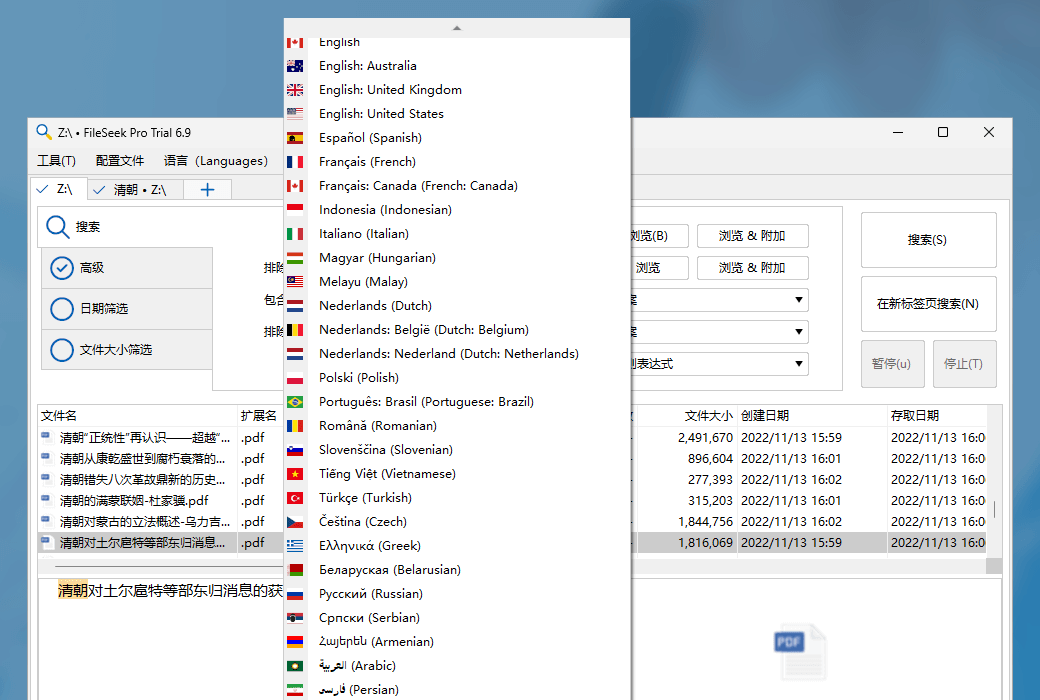
Interface Language: supports Chinese interface display, with multiple languages available.

Update Instructions: the software manufacturer promises permanent use and free updates.

Trial Before Purchase: 30-day free trial.

How to Receive the Product: After purchase, the activation information will be sent to the email address used for ordering via email. You can also view the corresponding product activation code in your personal center, under "My Orders".

Number of Devices: Single-machine version: supports one user installing and activating on one computer. Multi-machine version: supports one user installing and activating on multiple computers.

Changing Computers: uninstall on the original computer and activate on the new computer.

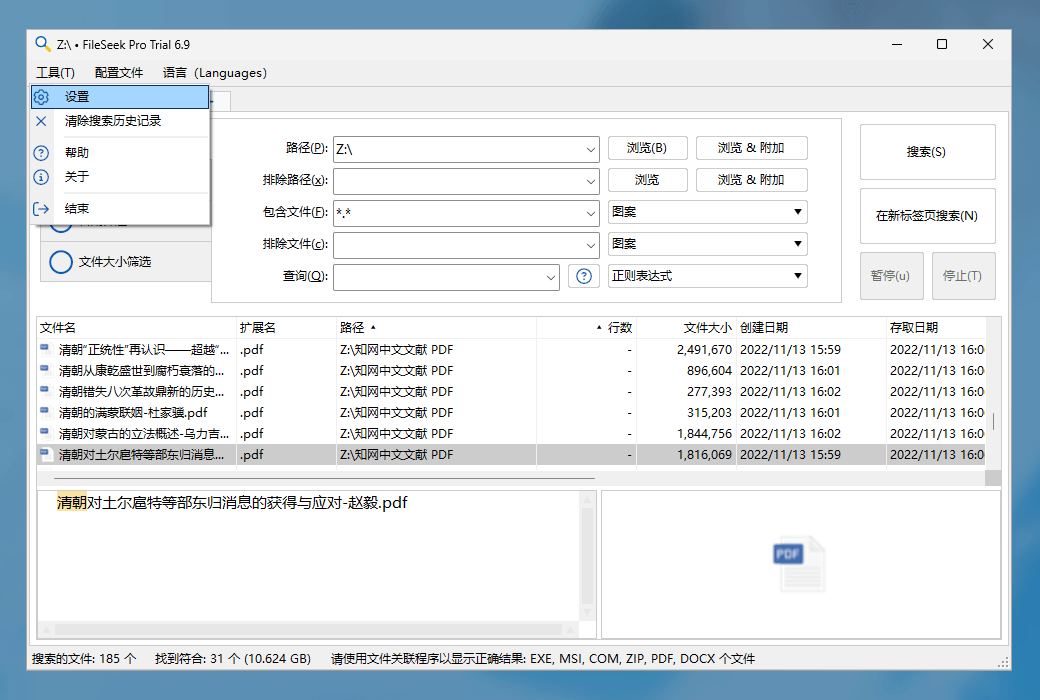
Activation Guide: run the software, right-click the software icon in the tray and click "Settings", select the "Authorization Code" button in the pop-up window, and then follow the prompts to activate.

Special Instructions: to be added.

References: https://www.fileseek.ca/Purchase
Any question

Submit
Ask a question
All FAQ Activate Unknown Tutorial Default Newest